
15s concept video
Friends on the Orange Stage
See the orange-stage duet in motion. Your generated video will use your own photos and may look different.
Two photos in. An orange-stage duet out.
Choose one authorized adult portrait for each side of the orange stage and preview your pair. Pay once to unlock Create Video; your photos are uploaded and checked only when you click it.
Watch a 15-second concept video alongside two original-character stills. Your result depends on the photos you upload.
See the orange-stage duet in motion. Your generated video will use your own photos and may look different.
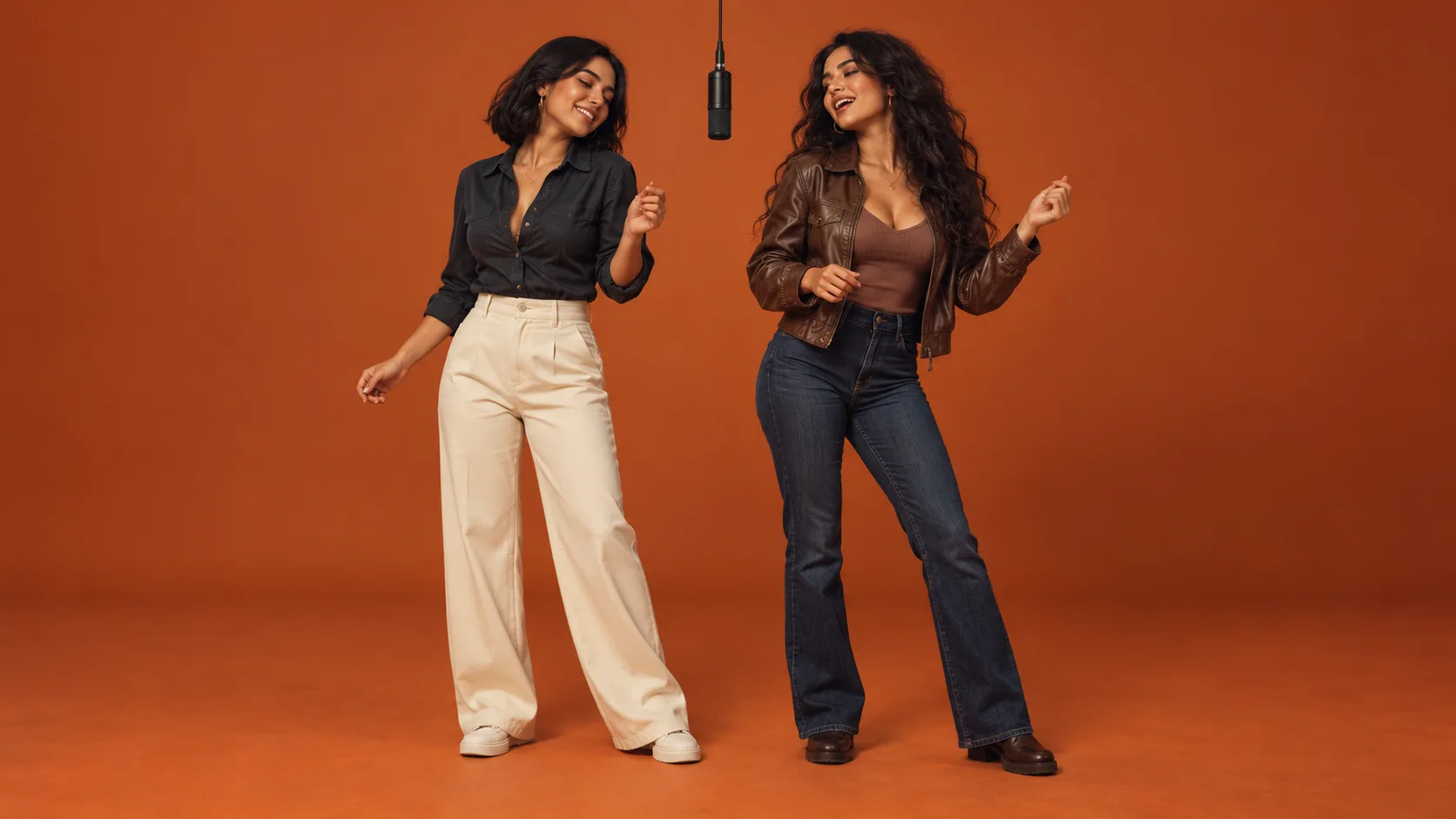
A second original pair shows how different portraits and outfits shape the same scene.
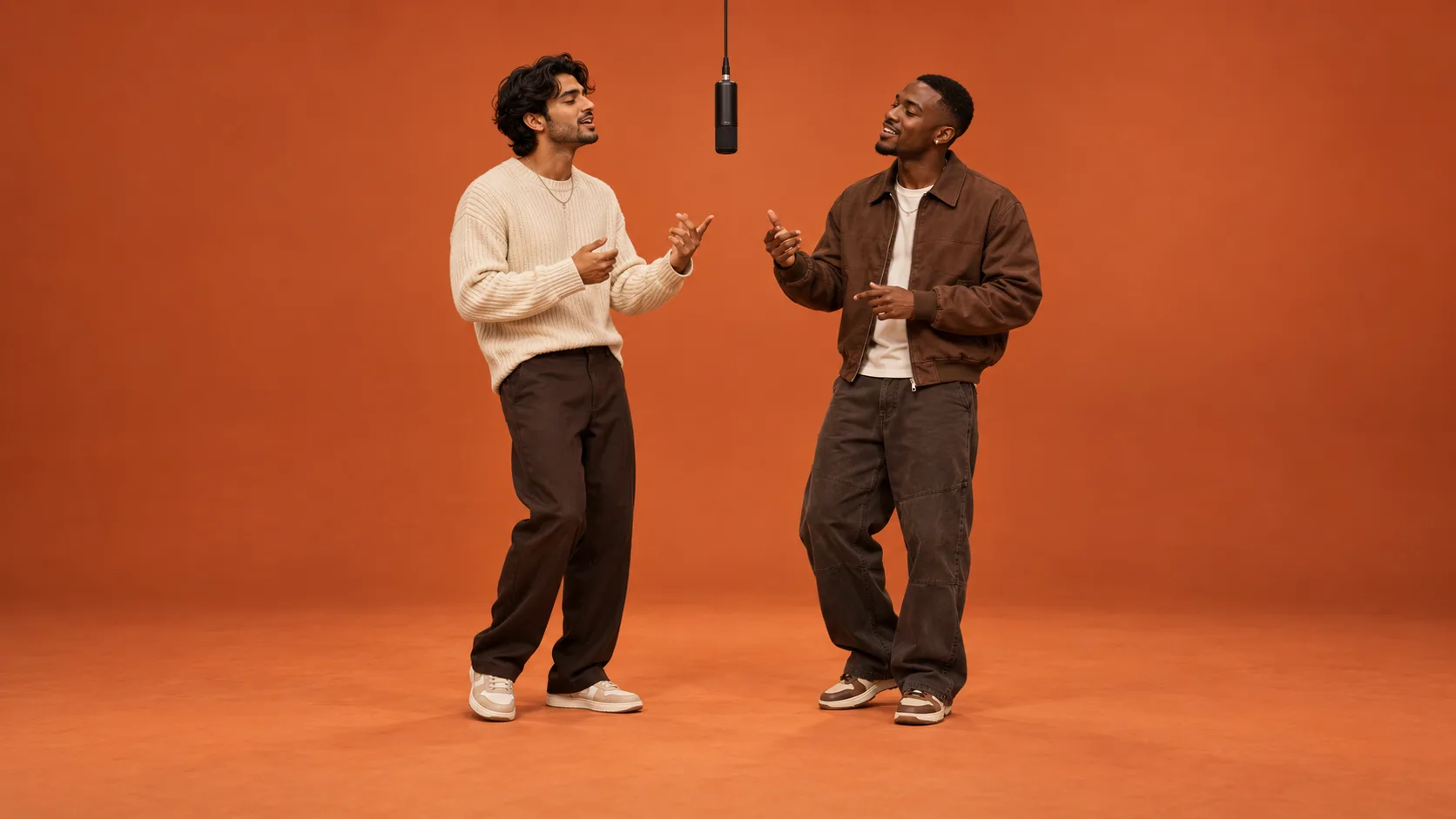
The two-photo flow places one person on each side of the microphone.
The orange-booth duet has a simple, recognizable look: two people side by side, a microphone hanging between them, and a steady performance shot. This tool lets adults make an original version using portraits they have permission to use.
Upload one photo for the left performer and one for the right. The generator uses those portraits as references for a new widescreen scene with warm lighting. No video editor or technical prompt is needed.
The composition is recognizable within seconds and the two-person format works for friends, couples, siblings, and coworkers. Our version produces a short, widescreen, silent clip; add only audio you are licensed or permitted to use when publishing.
The result is a newly generated clip inspired by the visual format. It does not contain the original footage, original song, or original choreography, and it should not be presented as an official performance or artist collaboration.
Clear, separate portraits give the generator useful references for both performers.
A group shot gives the model less control over who appears on each side. Crop to one person before you upload.
Choose your photosAvoid sunglasses, heavy filters, and extreme angles. A face the camera can see clearly gives the model a better reference.
Choose your photos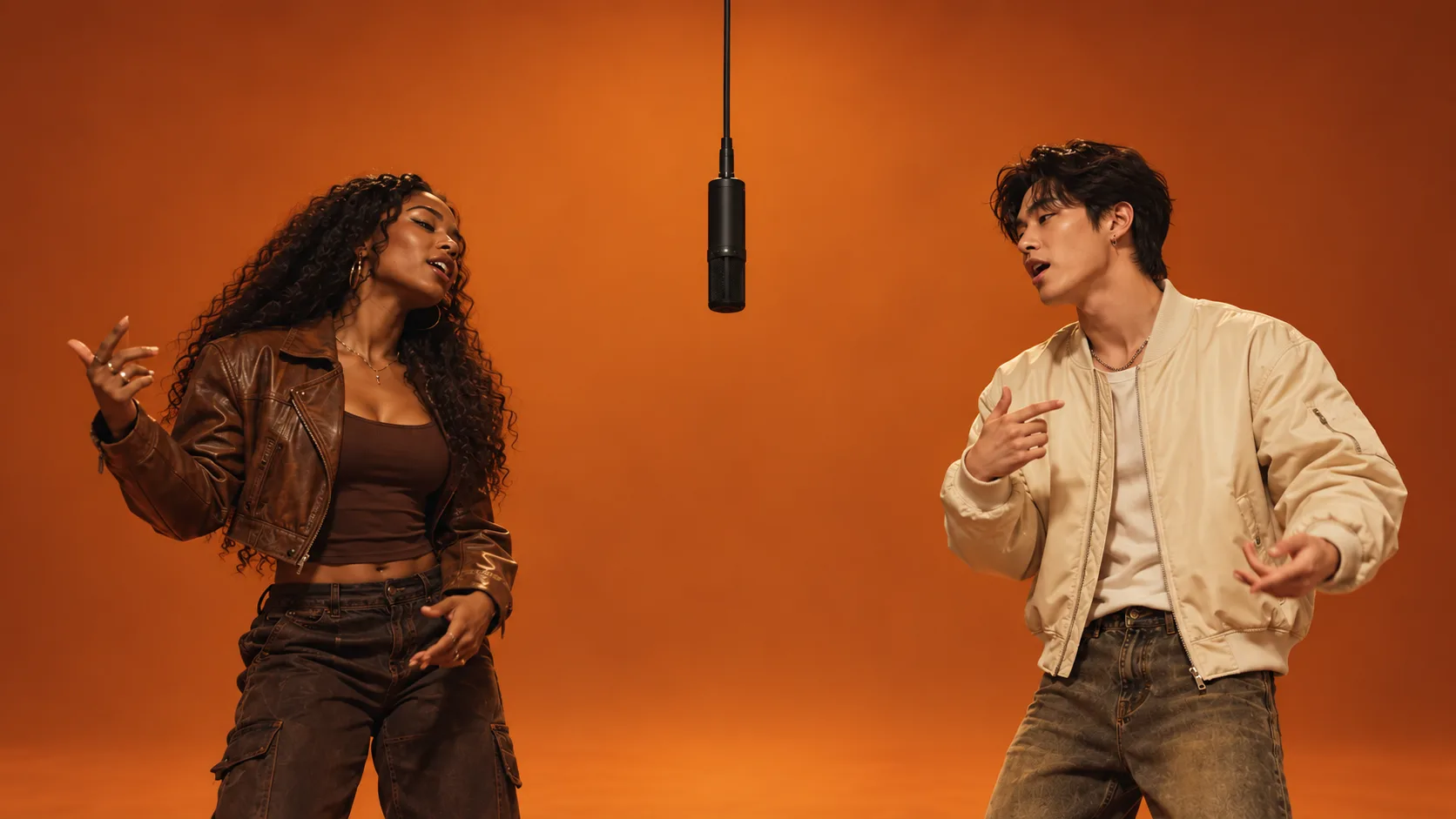
Avoid harsh backlight and dark rooms. Bright, even light helps the model read each portrait.
Choose your photosInclude at least your upper body so the model has a useful reference for your outfit and posture.
Choose your photos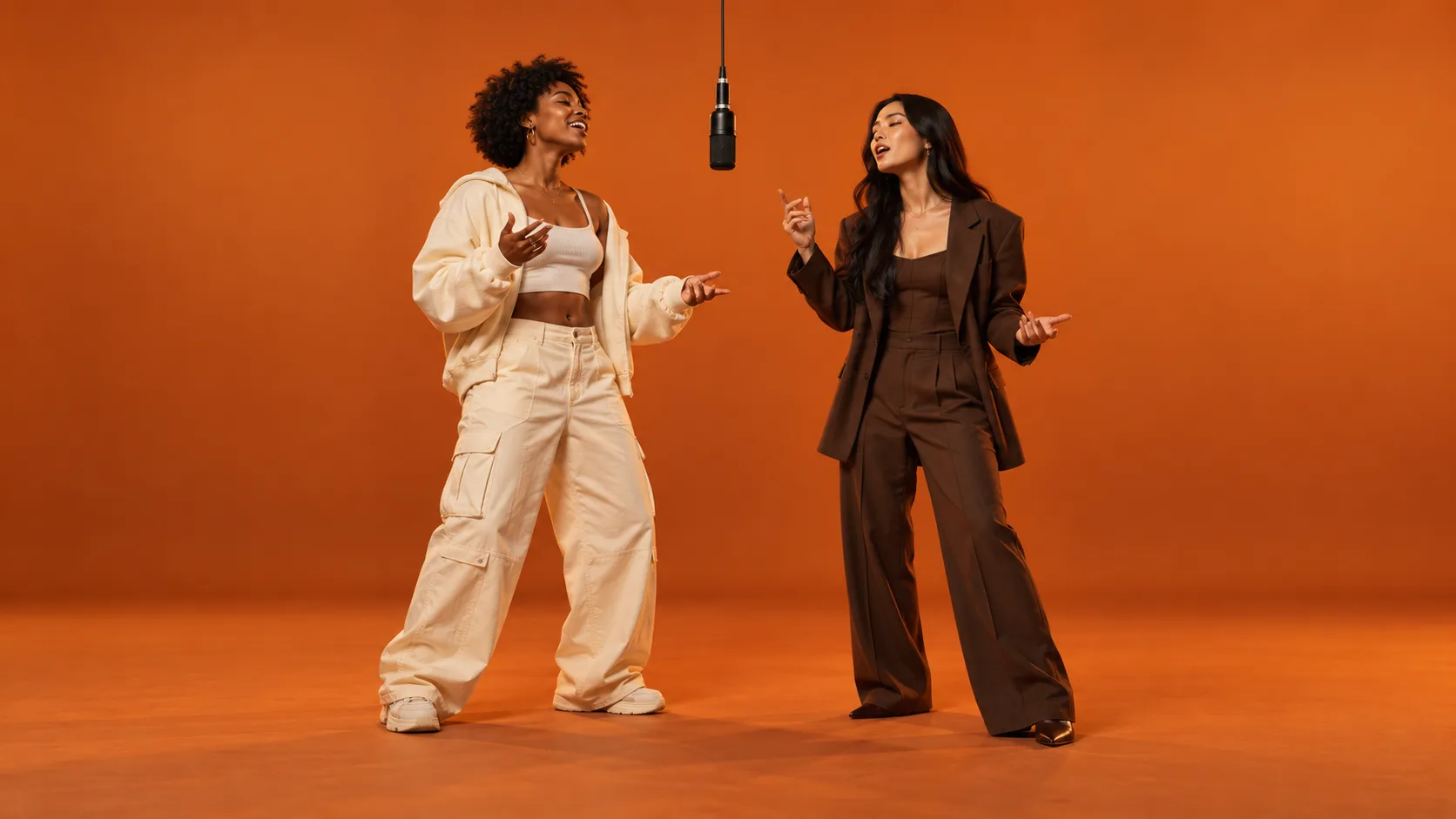
You do not need a studio or a DSLR. A modern phone photo taken in daylight is usually enough for the Hotel Lobby AI video generator because the model reads your face, clothing, and overall pose rather than the camera you used.
Choose your photosCrop around one adult’s head and shoulders, leaving a little space around them. Repeat for the second photo. Separate portraits work better than one wide group photo.
Choose your photosA few checks help you choose better source photos and use them responsibly.
Use only adult portraits you have permission to upload. Do not submit minors, celebrities or other public figures. Photos receive an NSFW check before generation; age, identity and permission are your responsibility.
This version needs one photo per person. It does not support a single group photo as input.
The AI creates a new clip from your photos. Faces, outfits, and gestures can vary from the source images.
Pay once. Make the clip yours.
Choose your photos and preview your pair first. Pay once to unlock Create Video; applicable taxes appear at checkout.
Choose your pair first, pay once, then click Create Video. No subscription or credits to manage.
About $6.66 per video
Choose your pair and pay once, then create the first video. Two more uses unlock when payment is confirmed.
Paid videos are retried once at no charge when generation fails. If delivery still fails, your video use is restored so you can submit again.
Every Hotel Lobby AI video is generated silent, on purpose. What you download is the performance itself — no music track and no third-party recording is packed into the file.
The trend's sound is added when you post it: open TikTok or Instagram, add the track from the app's own music library, and publish. It takes about ten seconds; the steps for both apps are below.
Your clip is already silent, so there's nothing to mute and no volume to balance — just pick the track when you post.
TikTok asks you to label AI-generated content — tap More options → AI-generated content to switch the label on.
Instagram's Advanced settings → Add AI label covers the disclosure.
Using CapCut first? Add the track from CapCut's own audio library inside the project, export, then post.
Button names can shift slightly between app versions — the flow stays the same.
One downloadable 15-second, 720p video costs $7.99. A three-video pack costs $19.99. Both are one-time purchases with no subscription.
It is a short two-person performance look with a warm orange stage and one hanging microphone. Our generator combines your two photos into a first frame, then animates it into a new silent duet.
Two, with one person in each photo. You choose who appears on the left and who appears on the right.
This tool creates a new video from two photos. It is not a photo recoloring filter or an effect layered over an existing clip.
Rendering time varies with the provider queue. Your order page shows the current status while the video is being created.
The current version makes a 15-second silent video in 720p, 16:9 widescreen format. Longer videos and other aspect ratios are not available in this flow.
Every Hotel Lobby AI video is generated silent by design. The MP4 you download holds the video only — no music track and no third-party recording inside the file. When you post, add the trend's track from the music library inside TikTok or Instagram; the steps are on your download page. This keeps your download clean, and keeps the song where it belongs — in the app that offers it.
No — we don't put third-party music inside the Hotel Lobby AI video you download. Adding the track at post time takes a few seconds and works the same way for every clip in this trend. If you'd rather use a different sound, any track in the app's library works just as well.
Yes, though 16:9 is a widescreen format and vertical feeds may crop or letterbox it. Use only photos you have permission to upload, and avoid implying that an artist or brand endorsed your clip.
A confirmed generation failure is retried once automatically at no extra charge. If it still cannot be delivered, your paid video use is restored so you can submit again. You can contact support to request a refund.
You can choose photos and preview them on your device before paying. They are uploaded and checked for prohibited content only after you pay and click Create Video. We request removal of source images after a successful render or completed refund. Finished videos remain available for seven days; you can request removal through account support.
No. You can select your photos, pay, track the order, and download the result here.
No. This creates a newly generated, silent orange-stage duet from your two photos and a motion prompt.
Yes, if the person is an adult, is not a public figure, and has agreed to this use. Do not upload photos of minors, celebrities or anyone whose permission you do not have.
AI creates a new interpretation, so an exact likeness is not guaranteed. Clear, evenly lit portraits make better references; hair covering the face, dark glasses and extreme angles can increase variation. If a video cannot be delivered, the paid use is restored for another submission. A delivered video is not automatically considered a failed render because it differs from a source photo.
Yes. A single 15-second 720p video costs $7.99, or the $19.99 pack includes three videos at about $6.66 each. There is no subscription or limit on the number of videos you can buy. Processing time depends on the video provider.
Choose two authorized photos, pay once, then click Create Video to make your orange-stage duet.
Choose your photos